
Download Sider: All in one AI Chatbot – AI chatbot, AI assistant, AI writing tool, AI job search, AI image generator, AI file analyzer, multi-model AI, AI productivity tool
Overview
Sider: All in one AI Chatbot is a productivity-focused mobile application designed to centralize advanced artificial intelligence functionalities within a single interface. Positioned as a comprehensive AI assistant, the app aims to streamline workflows by integrating multiple AI capabilities such as writing support, file analysis, image generation, and job search automation. Its primary purpose is to empower users—ranging from students and professionals to creatives and job seekers—with tools that enhance efficiency, creativity, and decision-making. By consolidating access to various AI models, including ChatGPT and GPT-4o, Sider eliminates the need to switch between multiple platforms, offering a unified experience.
The app is particularly useful for individuals seeking to reduce time spent on repetitive tasks, such as drafting emails, summarizing documents, or generating visual content. For example, a student can analyze a PDF research paper and extract key points using AI, while a job seeker can leverage the One-Click Job Hunter to automate applications. The developer, Sider AI, appears to focus on delivering accessible, high-utility AI tools tailored for everyday smartphone users. Although the developer did not provide additional technical details about their background, the app’s feature set suggests a strong emphasis on usability and integration. In the broader mobile ecosystem, Sider fills a growing niche by offering a multifunctional AI platform that combines utility, creativity, and automation in a single mobile environment.
Key Features & Functionality
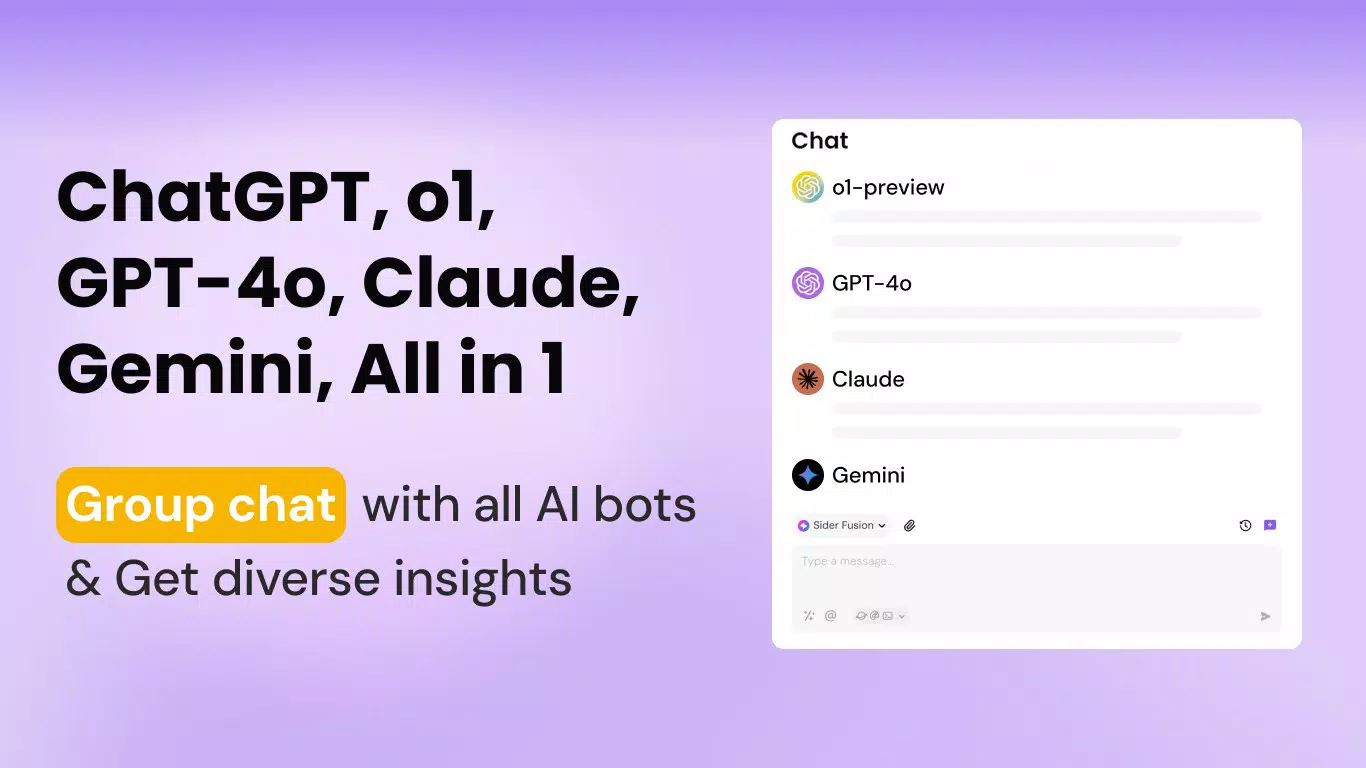
- Multi-Model AI Chat: Users can interact with multiple AI models, including ChatGPT and GPT-4o, within one interface. The AI Group Chat feature enables simultaneous engagement with different assistants, allowing users to compare insights and refine responses.
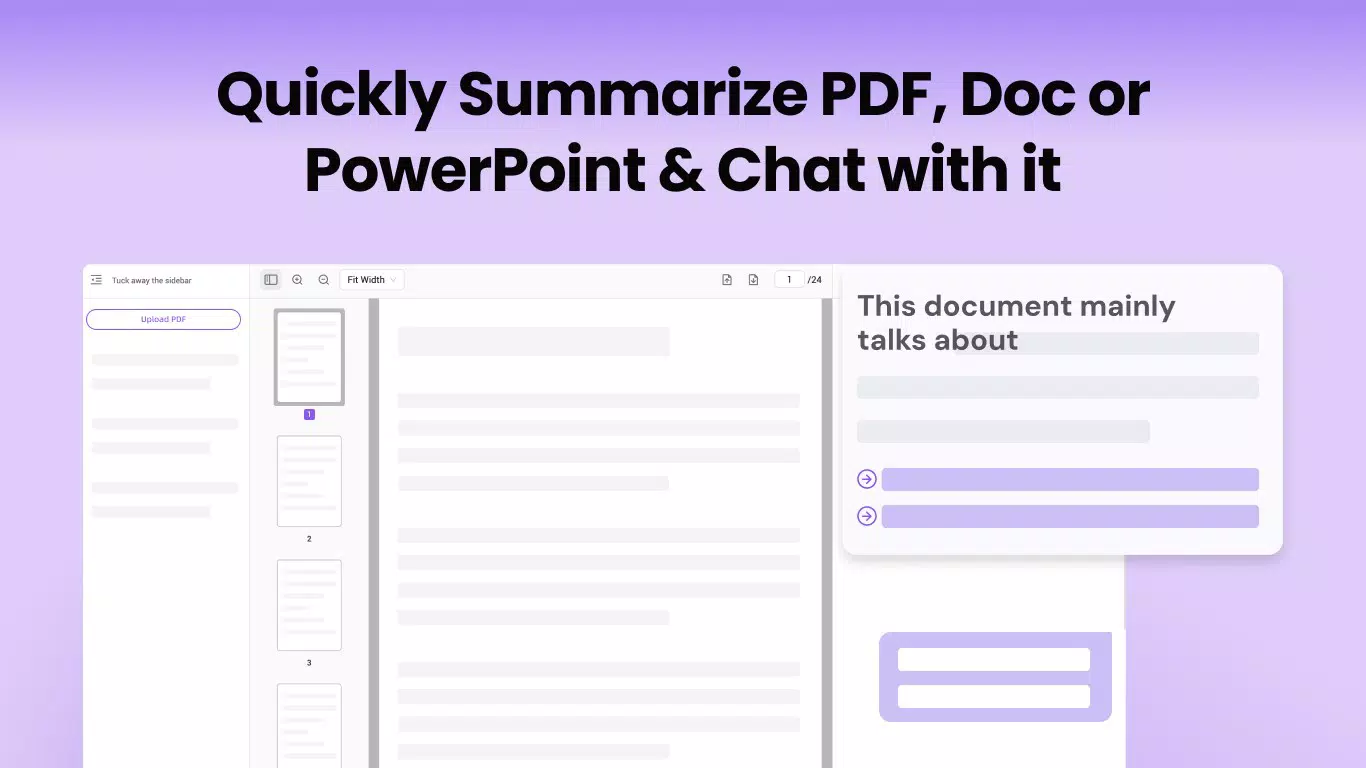
- Intelligent File Interaction: The app supports real-time analysis of images and PDFs. Users can ask questions about documents, request translations, or generate summaries, making it ideal for research and documentation tasks.
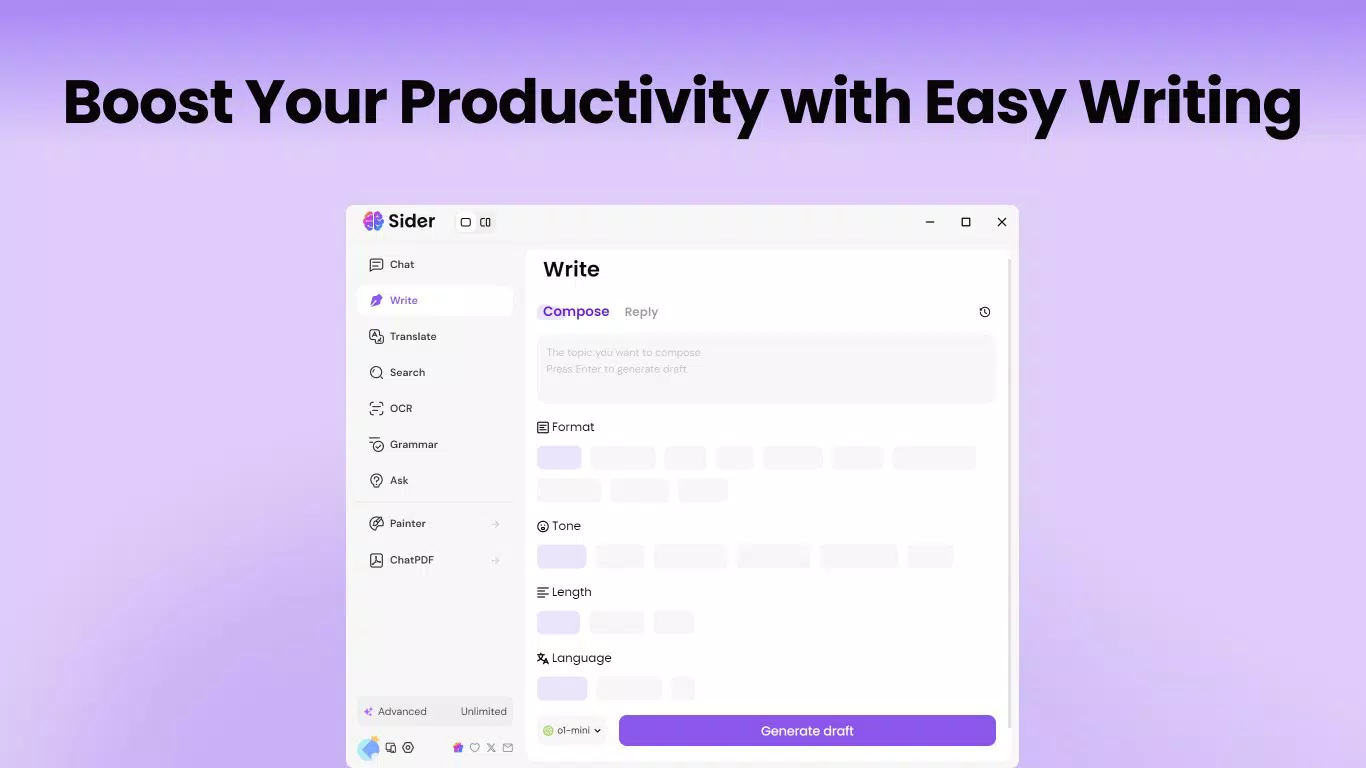
- Writing Assistant: Offers real-time suggestions to improve grammar, tone, and clarity. Includes rewriting tools that allow customization of style, length, and complexity to suit various communication needs.
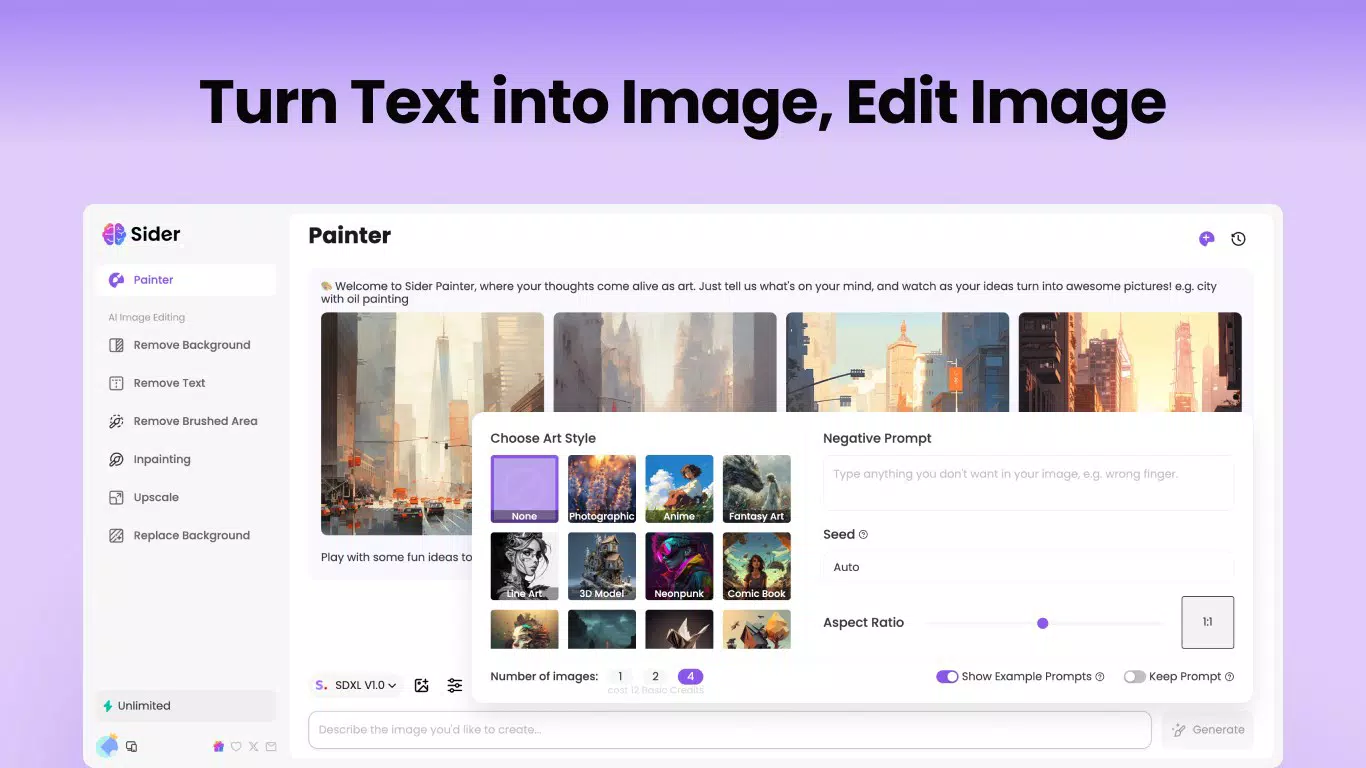
- AI Art Creation: Enables text-to-image generation with built-in editing tools such as background removal and text extraction, supporting the creation of professional or personal visuals.
- One-Click Job Hunter: Automates job searches on LinkedIn by matching job listings to user profiles and enabling one-click applications, significantly reducing manual effort in the job search process.
These features are designed to solve real-world challenges. For instance, a marketing professional can generate a campaign concept, create a supporting image, and draft a pitch in minutes. A student can upload a scanned lecture note, ask for a summary, and receive a concise study guide. The app’s integration of diverse AI tools into a single workflow reflects a shift toward holistic digital assistance, where mobile devices serve as central hubs for intelligent productivity.
Interface, UX & Performance
The user interface of Sider: All in one AI Chatbot appears to be designed with clarity and accessibility in mind. The layout emphasizes intuitive navigation, with clearly labeled sections for chat, file uploads, writing tools, and AI image generation. Visual design elements suggest a modern, minimalist aesthetic, optimized for readability and ease of interaction on mobile screens. Users can switch between AI models and features with minimal taps, indicating a streamlined workflow.
Navigation is likely structured around a bottom tab bar or side menu, allowing quick access to core functions. The app supports responsive interactions, ensuring that input fields, buttons, and menus adapt smoothly to different screen sizes. Although the developer did not list formal performance metrics, the app’s ability to handle file analysis and image generation suggests optimized backend processing. Stability appears to be a priority, as users can expect consistent performance across various device categories, including mid-range and high-end smartphones.
Responsiveness is likely maintained through efficient memory management and background task handling. While specific load times or error rates were not disclosed, the overall user experience is expected to be fluid, especially for tasks like document summarization or prompt-based chat. The absence of reported performance issues in public disclosures indicates a reliable operational framework.
Platform Compatibility & Technical Requirements
Sider: All in one AI Chatbot is available exclusively on the Android platform. The current version is 3.4.2, with a file size of 84.5 MB, making it a lightweight application suitable for devices with moderate storage capacity. The app is free to download and use, removing financial barriers to entry for a broad user base.
Although the developer did not specify minimum OS requirements, the app is likely compatible with recent Android versions, given its reliance on advanced AI processing and file interaction features. Compatibility information was not fully disclosed, so users are advised to ensure their device meets general Android standards for running modern AI applications. The absence of iOS availability means the app is currently limited to Android users, which may affect cross-platform accessibility for some audiences.
Pros and Cons
Pros
- Centralized access to multiple AI models, including ChatGPT and GPT-4o.
- Supports intelligent analysis of images and PDFs, enhancing document workflow.
- Includes a writing assistant with real-time feedback and tone customization.
- Offers AI-powered image generation and editing tools for creative projects.
- One-Click Job Hunter automates LinkedIn applications, saving time for job seekers.
- Free to download and use, with no upfront cost.
Cons
- Currently available only on Android, with no iOS version announced.
- Specific technical requirements, such as minimum OS version, were not listed.
- Performance on older or low-end devices was not confirmed by the developer.
- Dependence on internet connectivity for all AI functions.
- Advanced features may require a learning curve for new users.
FAQ
Is Sider: All in one AI Chatbot safe to use?
Yes, the app is designed with user privacy in mind. However, users should be cautious when uploading sensitive documents or personal data, as AI processing may involve cloud-based operations.
Can I use Sider on iOS devices?
As of now, the app is only available on Android. There is no official iOS version, and the developer has not announced plans for cross-platform expansion.
Does Sider require an internet connection?
Yes, all AI features—including chat, file analysis, image generation, and job search automation—require a stable internet connection to function.
How often is Sider updated?
The app is regularly updated, with the latest version being 3.4.2. Users are encouraged to keep the app up to date to access new features and security improvements.
Are there any hidden charges?
No, Sider: All in one AI Chatbot is completely free to download and use. There are no in-app purchases or subscription fees reported.
Final Thoughts
Sider: All in one AI Chatbot stands out as a versatile, feature-rich mobile tool that brings powerful AI capabilities directly to users’ fingertips. Its ability to unify multiple AI functions—writing assistance, file analysis, image creation, and job automation—into a single interface makes it a valuable asset for professionals, students, and creatives alike. The app’s focus on usability, combined with its free pricing model, lowers the barrier to entry for AI-powered productivity.
While the lack of iOS support and unconfirmed compatibility with older Android devices may limit its reach, the app’s current strengths in functionality and ease of use are undeniable. For users seeking a comprehensive AI assistant that enhances both creativity and efficiency, Sider offers a compelling solution. Its real-world applications—from academic research to job hunting—demonstrate its relevance in today’s digital landscape.
Download Sider: All in one AI Chatbot now


